
 VideoSlim
Who it is for
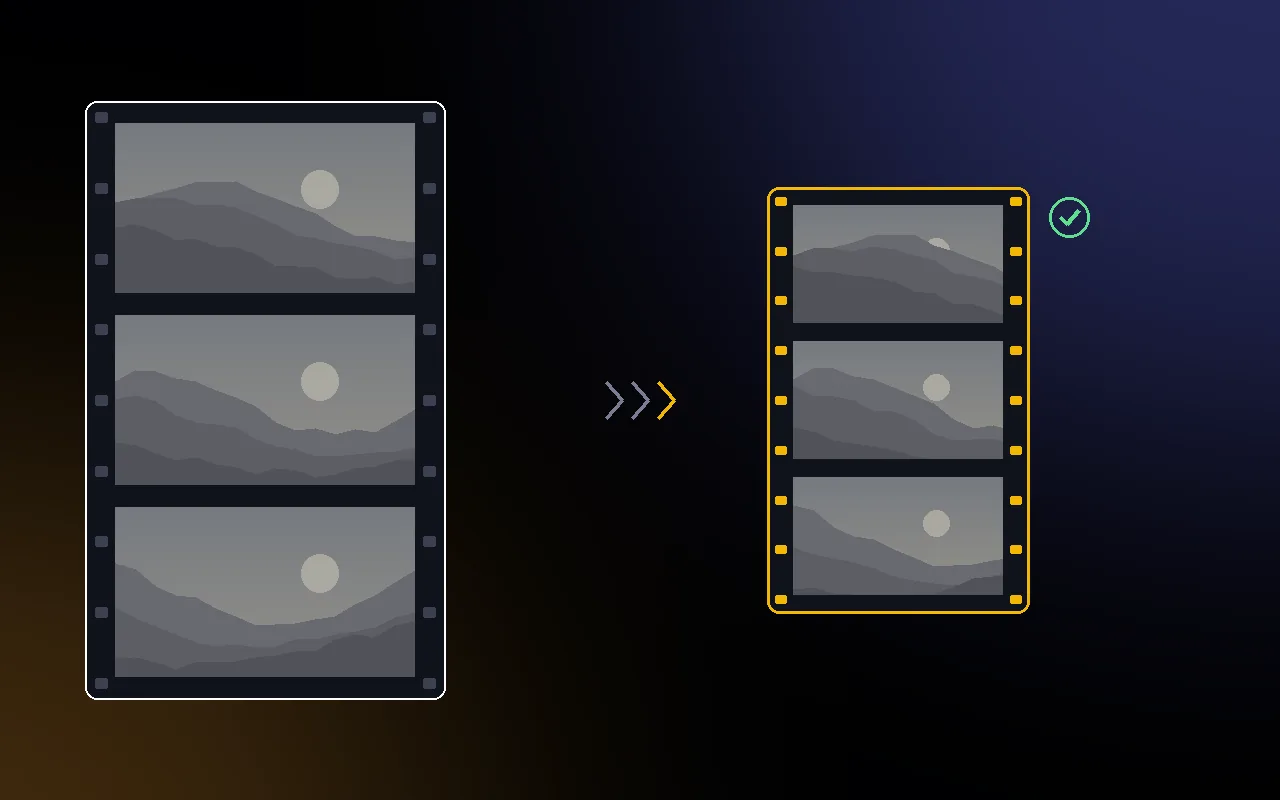
Videographers who shoot log on Nikon bodies and fill SSDs and archive drives with camera files. VideoSlim makes each clip smaller while aiming for no visible change, even after you grade it.
It also takes ProRes 422 HQ and HLG clips from those cameras, other H.265, H.264 and ProRes footage, and RAW video, which it packs losslessly.
Status of the tests
Not measured on real Nikon clips yet, and the hardware HEVC encoder hasn't been measured either. So far only synthetic clips have been tested, with the AV1 archive format.
The pipeline, the scoring and the checks have been tested end to end, but no real Nikon clips have been measured yet. Until they are, this page makes no promise about how much smaller your footage will get. When the app runs, each clip shows its own measured quality and saving.
How it decides how far to compress
- Encodes short samples of the clip (three windows of two seconds; short clips are measured whole) at several quality settings.
- Grades the original and each sample the same way, N-Log or HLG to Rec.709, the correction an editor applies first, and scores them with VMAF, PSNR and SSIM, plus a banding check on flat areas such as skies, walls and skin.
- Keeps the most compressed setting where every sample scores graded VMAF 95 or more, its worst 1% of frames 90 or more, and adds no visible banding.
- Encodes the whole clip as HEVC 10 bit with the Mac's own hardware encoder (Apple VideoToolbox), at full resolution and frame rate. Apple silicon Macs use a constant quality setting; Intel Macs search over bitrates instead.
- Puts back every audio track unchanged, the timecode, colour tags, creation date and the camera's own metadata.
- Checks the finished file again, including the transfer function, graded VMAF and banding on parts of the clip the search did not use, and only then saves it under a new name.
The quality target can be set to VMAF 93, 95 or 97 after grading. VMAF is a perceptual estimate, so the banding check and the final check are there as extra guards.
Why quality is measured after grading
Log footage looks flat straight out of the camera. Grading stretches its contrast, and that is when compression damage appears: steps in a smooth sky, blotches where grain was smoothed away.
So VideoSlim never scores the flat log image. It applies a grade built from Nikon's published N-Log specification (or BT.2100 for HLG) to both the original and the compressed version, and compares those. A clip that can't reach the target is left as it is.
How it differs from a general video converter
General converters such as HandBrake (opens in a new tab) and Shutter Encoder (opens in a new tab) encode a batch of clips with the preset or quality setting you choose. They are flexible and suit many jobs well.
VideoSlim is narrower. It chooses the setting for each clip by measuring it: it grades samples to Rec.709, scores them with VMAF and a banding check, and keeps the clip as it is when the target can't be reached or the saving would be under 5%. Then it puts back what editors rely on: the timecode track, PCM audio unchanged, Nikon's maker data, the hvc1 tag and the colour tags.
What it keeps
- Full resolution and frame rate
- 10 bit colour with the default HEVC format: 4:2:0 stays 4:2:0, 4:2:2 stays 4:2:2 on Macs whose hardware can encode it. AV1 archive stores 4:2:0
- Every audio track, unchanged (24 bit PCM stays PCM)
- Timecode, colour tags and the creation date
- The camera's own metadata, including Nikon's maker data
- The hvc1 tag that Apple software requires for HEVC files
Limits: only the first video track is encoded, and extra video tracks, subtitle tracks and data tracks other than timecode are not carried over. Variable frame rate clips, such as phone video, may be refused, and clips without an audio track can't be processed yet. 12 bit H.265 and 4:4:4 clips are left as they are, and so are HDR10 clips with mastering metadata, which the hardware encoder can't carry.
Output formats
Default
HEVC 10 bit with Apple hardware
Encoded by the Mac's own video engine. Final Cut Pro, Premiere Pro and DaVinci Resolve open it, and Apple silicon decodes HEVC 10 bit, 4:2:2 included, in hardware. Hardware HEVC files are larger than a slow software encoder would make at the same quality; VideoSlim trades that for speed and ships no GPL code.
Archive
AV1
For storage only, encoded in software and much slower. Often smaller than hardware HEVC, though not yet measured side by side. AV1 stores 4:2:0, so 4:2:2 clips lose colour detail. Final Cut Pro can't open AV1, and Premiere Pro and Resolve decode it slowly on Macs without AV1 hardware decoding (before M3). Older Intel Macs without a hardware HEVC 10 bit encoder can only use this format.
Synthetic test results
These clips were generated by VideoSlim's test suite: a test scene with a smooth sky, a skin tone patch, noisy shadows and a slow pan, in N-Log, encoded the way a camera would at about 29 Mb/s. They were measured on 22 November 2026 with the AV1 archive format, because the hardware HEVC encoder only runs on a Mac and hasn't been measured yet. Synthetic clips compress far better than real footage, so read these as a check that the pipeline works, not as a forecast for Nikon files.
| Synthetic 8 second 1080p clip | Format | Graded VMAF | Banding (limit 1.5) | Whole file |
|---|---|---|---|---|
| N-Log, base ISO noise | AV1 | 95.03 | 0.85 | 92% smaller |
| N-Log, four times the noise (like high ISO) | AV1 | 92.79 at best | 7.55 | Original kept |
The clean sky and slow pan of the base ISO clip compress to almost nothing, so that row says little about real footage. The noisy row shows the guard working: AV1 smoothed the heavy grain into blotches that showed after grading, no setting reached the target, and VideoSlim kept the original instead of writing a worse file.
RAW video
N-RAW, R3D NE and ProRes RAW are already compressed by the camera. VideoSlim packs them losslessly into .vsraw files that restore to the identical file, checked with SHA-256, but the saving is usually small, and files that would save under 1% are left as they are.
VideoSlim doesn't offer lossless re-encoding either: the hardware encoder has no lossless mode, and lossless encoding of camera H.265 makes files larger, not smaller.
Safety
- Originals are opened read only and never changed
- Results go to a VideoSlim folder next to each clip, or to a folder you choose, and never replace an existing file. For clips on a camera card, VideoSlim asks first and suggests a folder on your Mac
- Unfinished files stay hidden until the final check passes; Stop removes them
- Moving originals to the Trash is an option, off by default, and only happens for clips whose finished file passed the final check. Finder's Put Back works
- A clip that would get less than 5% smaller, or can't reach the quality target, is left as it is
Command line and AI assistants
- A videoslim command line tool: compress, inspect what would be done, score an original against a result, restore a .vsraw file, and export the grade used for scoring as a LUT
- An MCP server, set up from Settings, so Claude, ChatGPT and Codex, or Cursor can inspect, compress, score and restore clips. An assistant can never move originals to the Trash
Details
| Requires | macOS 14 Sonoma or later, Apple silicon and Intel (older Intel Macs without hardware HEVC 10 bit: AV1 only) |
|---|---|
| Built first for | Nikon ZR, Z6III and Z5II, H.265 10 bit N-Log |
| Also takes | ProRes 422 HQ, HLG, other H.265, H.264 and ProRes; RAW video packed losslessly |
| Output | HEVC 10 bit with Apple's hardware encoder; AV1 for archives |
| Quality check | Graded VMAF 95 by default (93 or 97 selectable), banding check, final check |
| Kept | Audio tracks, timecode, colour tags, creation date, camera metadata |
| Also included | Command line tool, MCP server for AI assistants |
| Languages | English and Japanese |
| Price | US$59, one time purchase. Planned launch price |
| Availability | In development. Not on sale yet, and sold separately from the five app bundle. Join the waitlist to hear when it is ready. |
 JpegRescue
 JpegSlim
 CardRescue
 CallScribe
 SyncMaster
 RawSlim In development