
 RawSlim
Who it is for
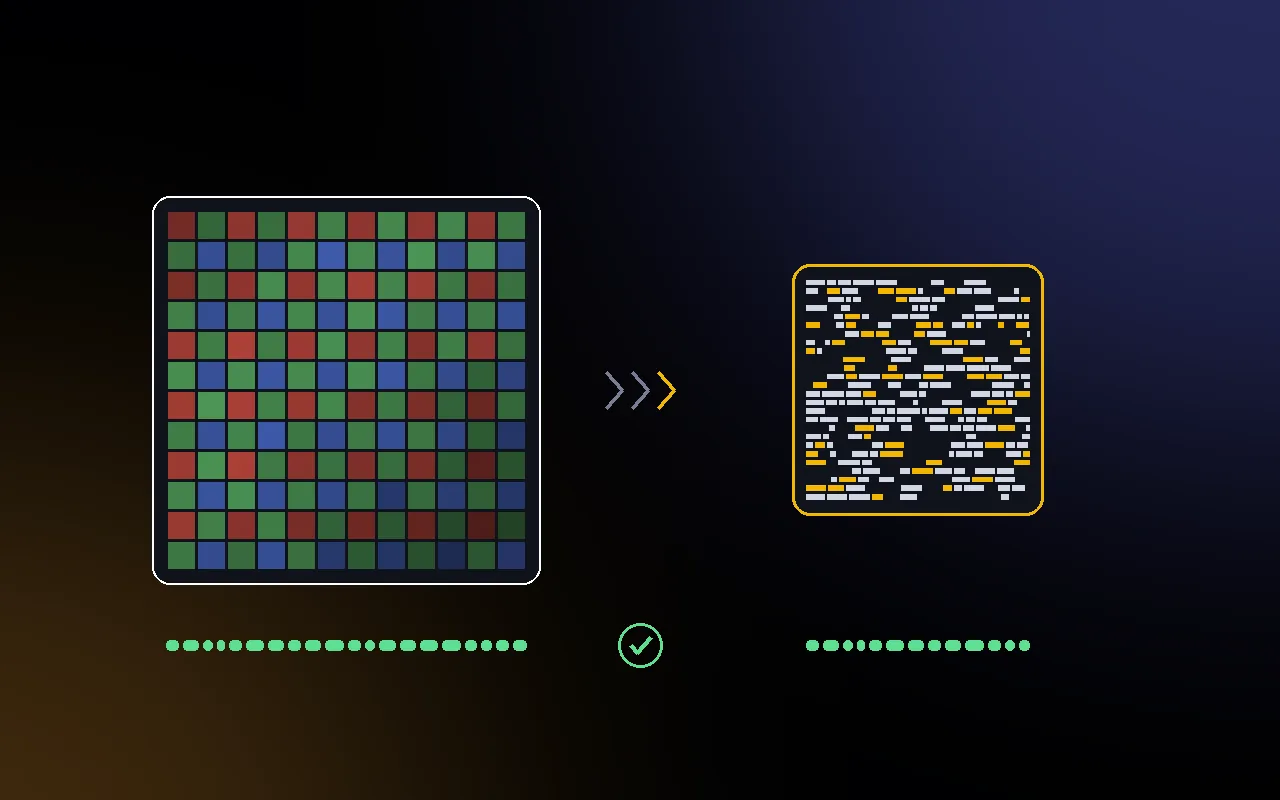
Photographers who keep finished jobs as raw files and are running out of room on SSDs and backup drives. RawSlim gives back space without changing a single byte of any photo: every file comes back exactly as the camera wrote it.
It is not an editing format. Keep working on raw files as usual, and compress the jobs you have delivered and want to archive.
How much smaller raw files get
Measured on real camera files; two uncompressed rows use D810 sensor data rewritten as uncompressed. Every restore was byte identical.
It depends on how the camera stored the sensor data. Uncompressed raws shrink the most; raws the camera already compressed strongly shrink very little.
- 50 to 60%Uncompressed rawstwo of the three test files rewritten from real D810 sensor data
- 11 to 27%Lossless compressed rawsNikon NEF, Sony ARW and Canon CR2
- about 11%Nikon lossy NEFdecoded and coded again
- 0.5 to 3%CR3 and Sony lossy cRAWalready strongly compressed; Nikon High Efficiency not measured, expected to be similar
Measured on real camera files
Measured November 2026 on publicly available sample raw files (camera test samples and NASA ISS images). Each file was compressed with the RawSlim command line tool, restored and compared with the original. zip and xz are shown for comparison on the same files.
| Camera | How the raw data is stored | Size | RawSlim | zip | xz |
|---|---|---|---|---|---|
| Nikon D810 data | Uncompressed 14 bit, Nikon layout | 72.7 MB | 59.5% | 25.8% | 47.5% |
| Leica T | Uncompressed 12 bit DNG | 24.5 MB | 53.4% | 23.2% | 40.1% |
| Sony A7 IV | Lossless compressed ARW | 38.3 MB | 26.9% | 9.4% | 10.2% |
| Nikon D810 | Lossless compressed NEF | 40.7 MB | 21.4% | 1.3% | 3.3% |
| Canon EOS 70D | CR2 | 22.4 MB | 16.0% | 1.6% | 2.3% |
| Canon EOS R3 | CR3 | 12.3 MB | 2.9% | 3.2% | not run |
Show the other 8 files
| Camera | How the raw data is stored | Size | RawSlim | zip | xz |
|---|---|---|---|---|---|
| Nikon D810 data | Uncompressed 14 bit, Sony layout | 72.7 MB | 59.5% | 25.9% | 46.9% |
| Nikon D3S | Lossless compressed NEF | 10.7 MB | 21.7% | 3.1% | 4.3% |
| Nikon D4 | Lossless compressed NEF | 17.2 MB | 13.1% | 1.2% | 1.2% |
| Canon EOS 5D Mark II | CR2 | 26.4 MB | 11.0% | 0.9% | not run |
| Nikon D5100 | Lossy compressed NEF | 17.2 MB | 11.2% | 0.3% | 0.4% |
| Sony NEX-7 | Lossy compressed cRAW | 24.8 MB | 2.6% | 2.2% | 4.4% |
| Sony A7 III | Lossy compressed cRAW | 24.8 MB | 1.5% | 1.4% | 2.3% |
| Canon EOS R8 | CR3 | 37.6 MB | 0.5% | 0.8% | not run |
The two uncompressed Nikon D810 rows hold the real sensor data of a D810 NEF, written out the way an uncompressed NEF or ARW stores it, because no uncompressed sample file was available on the build machine. The Leica T file is a real uncompressed DNG. On lossy cRAW, xz saved 0.8 to 1.8 points more; on CR3, zip saved 0.3 points more. RawSlim leaves that data to its fast general codec.
RawSlim, DNG and zip compared
The usual ways to make raw files take less space trade size against two things: getting the original file back, and opening the files directly in Lightroom or Capture One.
| Option | Space saved | Original file back | Opens in Lightroom |
|---|---|---|---|
| Lossless DNG (Adobe DNG Converter) | Usually smaller, by an amount that depends on the camera; one user reported files about 35% larger from Canon compressed CR3 | No, you keep a new DNG file | Yes |
| Lossy DNG or Nikon High Efficiency | Much smaller: about 50% (lossy DNG from compressed CR3) and 40% (Nikon HE*) in the tests cited below | No, some image data is discarded | Yes |
| Rawsie | Claims up to 80% | No, you keep a DNG file | Yes |
| zip or xz | 0.9 to 10.2% on lossless compressed raws in our tests | Yes, exact | No, unpack first |
| RawSlim | 11 to 27% on lossless compressed raws, 50 to 60% on uncompressed | Yes, byte for byte, checked | No, restore first |
Use lossy DNG or High Efficiency when you want small files you can edit straight away and accept that the original data is gone. Use RawSlim for finished jobs you want to keep exactly as the camera wrote them, at a smaller size.
- Adobe: DNG pros, cons and myths (DNG usually smaller; embedding the original raw can double the size) (opens in a new tab) blog.adobe.com
- Adobe Community: one user reported DNG Converter files about 35% larger than Canon C-RAW CR3 (opens in a new tab) community.adobe.com
- Fstoppers: lossy DNG about 50% smaller than compressed CR3 in the author's test (opens in a new tab) fstoppers.com
- Photography Life: Nikon HE* files about 30 MB against 50 MB lossless NEF (opens in a new tab) photographylife.com
- PetaPixel: Rawsie converts raws to DNG, claimed up to 80% smaller (opens in a new tab) petapixel.com
How it keeps every file exact
- RawSlim reads the original once and records its SHA-256 checksum.
- It decodes the sensor data, codes it with its own lossless codec, and at once encodes each part back into the camera's format to check it matches. A part that doesn't come back exactly is stored with general compression instead.
- The finished .rslim file is restored in full and every byte is compared with the original, and the SHA-256 is checked. If anything differs, it tries again with general compression; if it still differs, nothing is written and the file is reported as failed.
- If the .rslim file wouldn't be smaller than the original, nothing is written.
- Only then is the file given its name, never over an existing file. The original is not changed.
Space is freed only once the originals are gone. With Move originals to the Trash turned on in Settings, RawSlim moves each original to the Trash after its check passed, so you can still put it back. With it off, which is the default, the originals stay where they are.
How to use it
- Open RawSlim and drop raw files, .rslim files or folders on the window, or press Command O. Folders are searched inside.
- Click Compress to turn raw files into .rslim files, or Restore to turn .rslim files back into raw files.
- Each row shows its progress, the saving and the result of the check. The footer shows the totals, the time and Show in Finder.
- Running a folder again skips files that are already done and checked, so you can add new jobs to an archive folder and run it again.
Memory cards
When the files are on a memory card, RawSlim asks before saving next to them and suggests a folder on your Mac or a backup drive, because cards are usually formatted for the next shoot.
Files from a card go into a folder named after the card and the day, keeping the card's own folders, for example EOS_DIGITAL 2026-11-21/DCIM/100CANON. Running the same card again on another day skips what is already done.
Restoring for Lightroom and Capture One
Lightroom and Capture One can't open .rslim files, so restore a job before you edit it. Restored files keep their original names, so a catalog finds them again when they are back where the originals were.
If you restore to another folder, relink it: Find Missing Folder in Lightroom Classic, or Locate in Capture One. Edits and ratings stored in the catalog are kept, because the restored file is the same file.
Formats
| Support | Formats |
|---|---|
| Supported | Sony ARW, Nikon NEF and NRW, Canon CR2 and CR3, DNG |
| Not supported | X3F, ORF, RAF, RW2, PEF, and files over 4 GB |
| Small savings | Canon CR3, Nikon High Efficiency, Sony lossy cRAW and JPEG XL compressed DNG are already strongly compressed |
The large preview JPEG inside each raw file can be kept (the default, bit exact), shrunk to 1600 pixels or removed. Shrinking or removing it saves more, but the restored file then differs from the original in that preview only, and RawSlim never moves those originals to the Trash.
Command line and AI assistants
- A rawslim command line tool with compress, restore, verify and inspect, JSON output and a plan mode that shows what a run would do
- An MCP server, set up from Settings, so Claude, ChatGPT and Codex, or Cursor can compress, restore and check files using the same rules as the app
- A JSON log of every batch, kept on your Mac
Speed and memory
On the Linux build machine, using one core of a virtual machine, a 40 MB lossless compressed raw took about 10 to 15 seconds to compress, both checks included, and restoring was about two to three times faster. The app works on one file per performance core. Speeds on a Mac have not been measured yet.
Files are streamed, so one file needs about 15 to 25 MB of memory whatever its size.
Details
| Requires | macOS 14 Sonoma or later, Apple silicon and Intel |
|---|---|
| Formats | Sony ARW, Nikon NEF and NRW, Canon CR2 and CR3, DNG |
| Restore | Byte for byte, checked with SHA-256 |
| Originals | Never changed. Moved to the Trash only if you turn that on, and only after the check passed |
| Also included | Command line tool, MCP server for AI assistants |
| Languages | English and Japanese |
| Price | US$49, one time purchase. Planned launch price |
| Availability | In development. Not on sale yet, and sold separately from the five app bundle. Join the waitlist to hear when it is ready. |
 JpegRescue
 JpegSlim
 CardRescue
 CallScribe
 SyncMaster
 VideoSlim In development